


Select your card
Pay with your Android mobile phone in shops
The comfort of carrying your card in your mobile and paying in shops

Comfortable and simple. How does it work?
Download the Unicaja App, add your cards and activate the NFC on your mobile. You can now pay in your favourite shop!
You can use any of your cards
Add your cards and select one of them as a favourite to make your payments. You may change it at any time to shop from your APP.
Withdraw cash from ATMs using your mobile phone
You can make cash withdrawals from contactless ATMs using your mobile phone as if it were your card. You just have to swipe it like you do with your card.
Instantaneous with each purchase
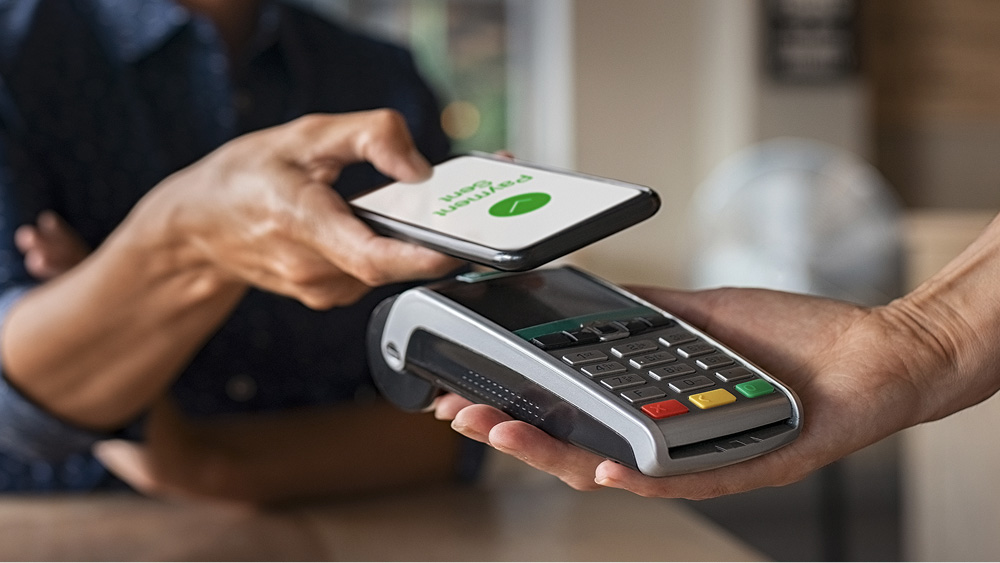
Unblock your mobile and place it near the dataphone. You have just paid at your favourite shop. It is that easy!
Select your card

Set the payment PIN

Pay with your mobile phone
Access "NFC mobile payment" in the main menu
And accept the service's terms and conditions.
Add your Unicaja cards and set your payment PIN
Remember to select your "favourite" card to make your purchases. You can change it whenever you want.
And that's it! Pay with your mobile phone in a single gesture.
Activate NFC, unlock your device, and hold it to the card reader as if it were your card. It's that easy!
Payments by mobile are completely safe, like your card. You may also:
Can we help you?
You can also contact the Bank by calling at 952 60 67 67 or through the contact form.
The telephone service hours are Monday to Saturday from 8:00 a.m. to 10:00 p.m. (except national holidays).


